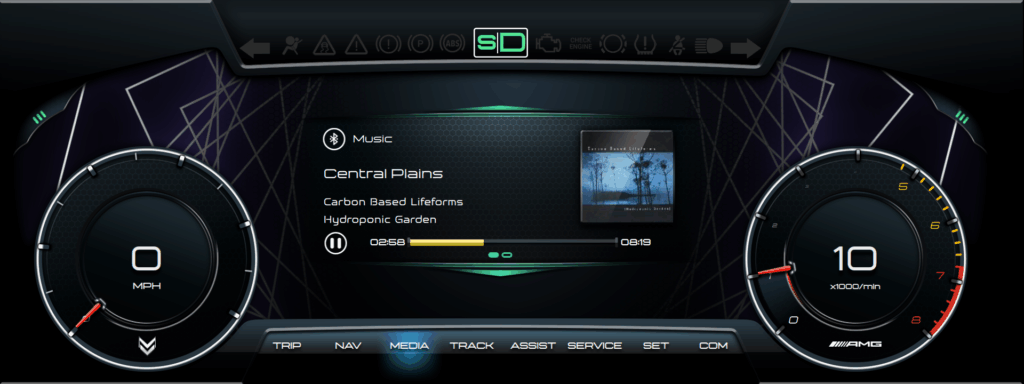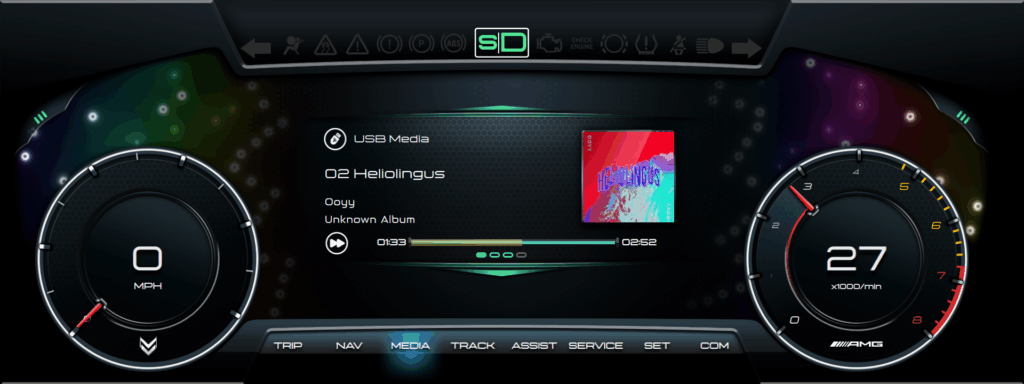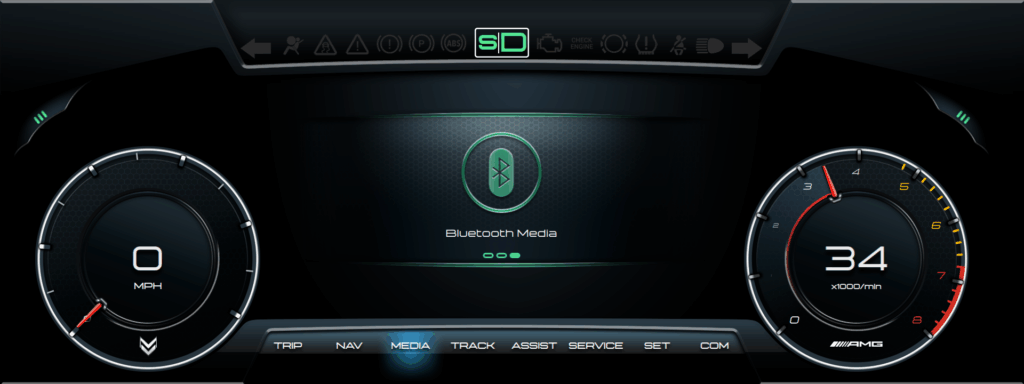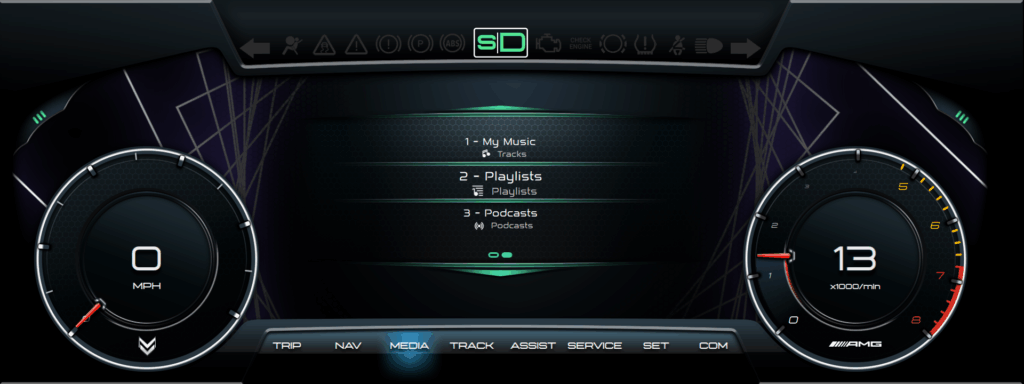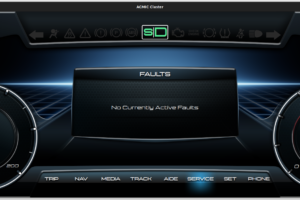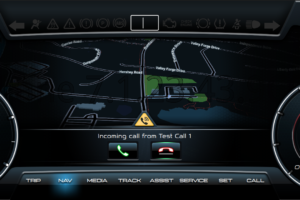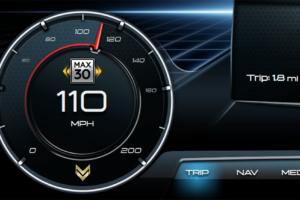


This version focuses on finalizing media features and implementation. Several features were added to make playing music more enjoyable and easy to control. The Media Player interface is consistent and simplified as much as possible yet it offers advanced features like changing media sources and browsing media with the press of one button, without opening other apps/settings etc.
While the instrument cluster app has entered an official testing phase (testing has been ongoing throughout the process), significant work is being put into fixing Linux libraries, adding new features to them as well as customizing firmware for specific hardware components that enable car connectivity and instrument cluster controller connectivity.
Changes
Media Player
- Over 20 new cover art graphics for songs that do not have cover art available. The system randomizes them to keep the interface fresh.
- Added shader, accelerated, graphics to the track progress bar. These display during seek operations (FF/RW) of USB media.
- Reorganized how Bluetooth track info is displayed to better match available information.
- Resized album cover art – larger.
- Change media source on the fly from the media player menu.
- Ability to play music via a Bluetooth connected device.
- Ability to quickly go forward/back one song.
- Ability to FF/RW Bluetooth music using the same visuals as USB media.
Bluetooth Media Manager
- Ability to remotely browse directory structure of device connected via Bluetooth.
- Tested remote device browsing with available Bluetooth stack, deemed insufficient. Made significant changes to Bluetooth stack to speed up navigation and implement error recovery from incomplete or failed transactions without disrupting media transfer.
- Implemented a cached structure approach to speed up browsing of remote devices.
- The system displays cached structure while the app works with modified Bluetooth stack to catch up to the user location in the background.
- Implemented a smart crawler that parses all folder structures in the background when a device is connected, to make sure browsing is available immediately for the user. The crawler only operates while the user is not actively browsing the media structure, avoiding interference due to Bluetooth standard limitations.
- Navigation (folder) graphics match the rest of the system, implementing the same design standard as other parts of the system.
- Easy change from media browser to media player, keeping design language consistent.
- Added graphics to clarify what the specific items are (folders, playlists, etc.)
- Added graphics to facilitate navigation, status of folder (if still loading), highlight currently playing song and highlight disabled items due to errors or other Bluetooth problems.
CoverArt Manager
- Connectivity with MuzicBrainz to download album artwork when a network connection is available.
- Download artwork for media stored on USB drives if not embedded in the file.
- Save media based on song ID (only download once per song).
- If USB media does not have embedded artwork, query online sources and download if available.
- Resize and reformat downloaded artwork and display in media player.
- Process and embed downloaded artwork into USB media file (MP3) to speed up the process next time the song plays. This means that if you have songs on a flash drive, the app will automatically update them with cover art. We should make this feature a DLC :).
- Extend cover art features to music played via Bluetooth – download, format and display cover art.
1.0 – Media